Mounting
Mounting Instructions
The FOX5 device provides 8 holes (2 sets of 4 holes) for mounting it, as shown in the image below. You can use either set of holes to mount the device, depending on the installation location. Hexagon head fasteners with collar self-drilling screws DIN 7504 K, ST3.5x12 mm or ST3.5x32 mm can be used depending on the set of holes used for mounting.
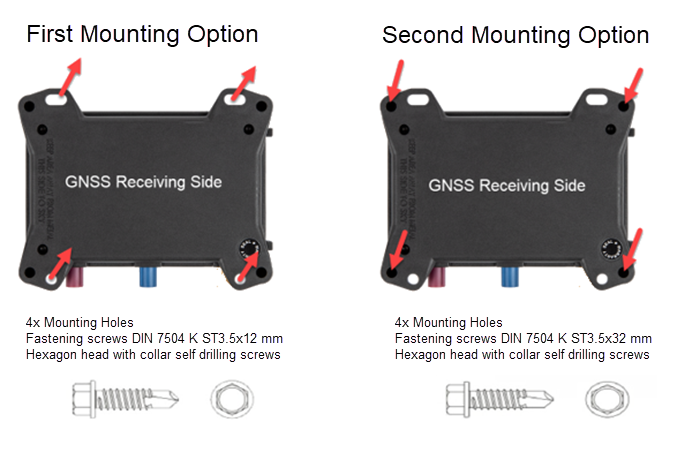
You have the option to connect an external Cellular/GNSS antenna such as ANT-14 to your FOX5 device for better reception. Use the two connectors on the device to connect the antenna. The instructions to properly mount the device with and without an external antenna are provided below:
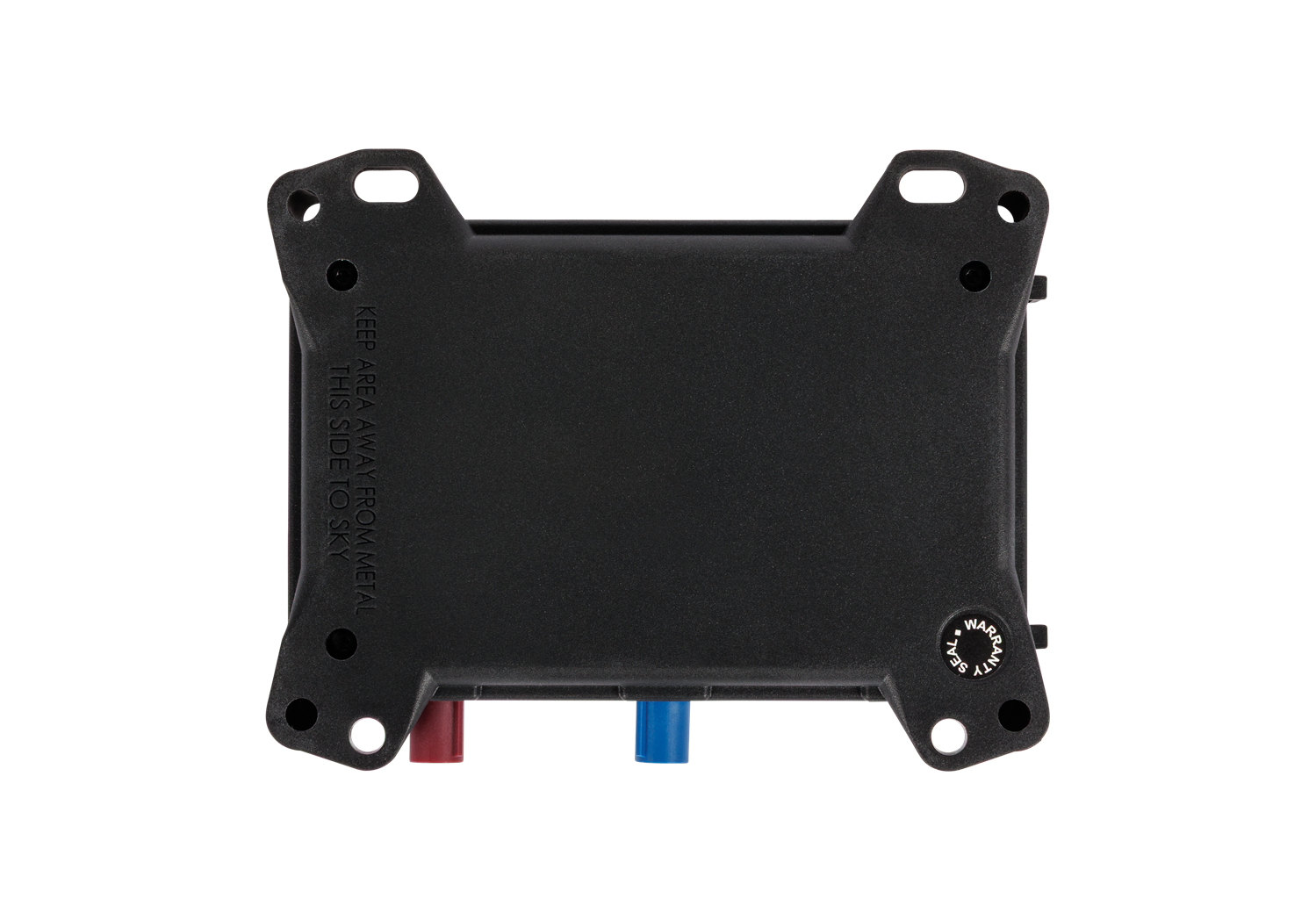
- Mounting FOX5 device without external antenna: Make sure the back side of the device with the text THIS SIDE TO SKY is facing up to the sky. It is recommended to mount the device without any metal objects directly above or below it. The metal objects can degrade GNSS signal reception.
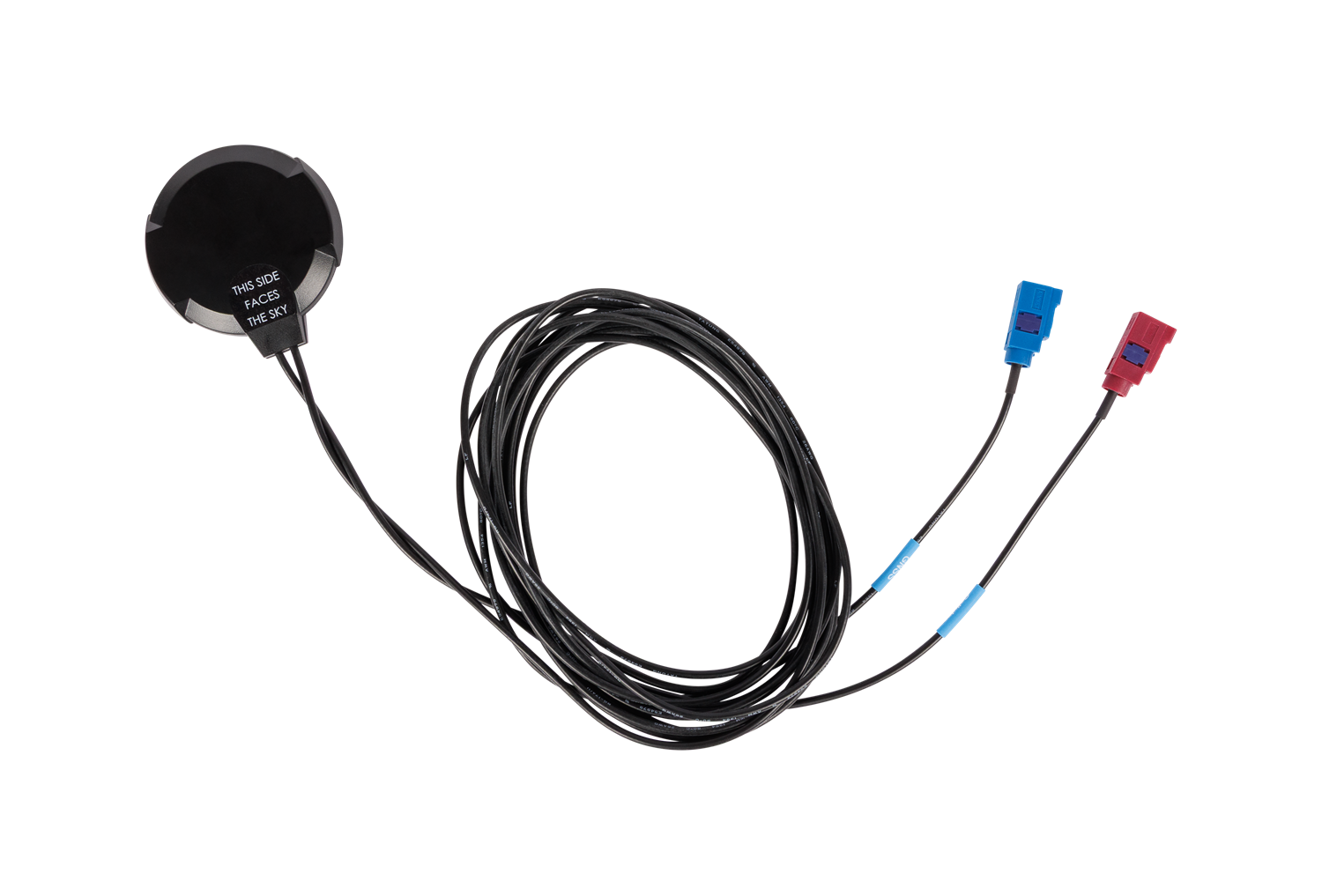
- Mounting FOX5 device with external antenna: Make sure the receiving side of the antenna with the text THIS SIDE FACES THE SKY is facing up to the sky. It is recommended to mount the device without any metal objects directly above or under the antenna and the device case. The metal objects can degrade GNSS signal reception.
Vehicle Installation
For instructions to install the FOX5 device in a vehicle refer to the Vehicle Installation App Note (see Related Documents).
Warning: The vehicle installation of the FOX5 device must be performed by qualified personnel who are skilled in electronical/electrical installations. Read the FOX5 Series Hardware Manual and the Vehicle Installation App Note before beginning the installation.